← Blog
What Font Is That?
My long term goal is being able to seamlessly convert between images and editable designs (so people can combine AI image models with their favorite tools like Canva/PowerPoint. There's like a thousand sub-problems involved in this. One of them is looking at text in an image and figuring out which typefaces give a close match.
After making a first pass at this, I figured I may as well share it as a free standalone tool.
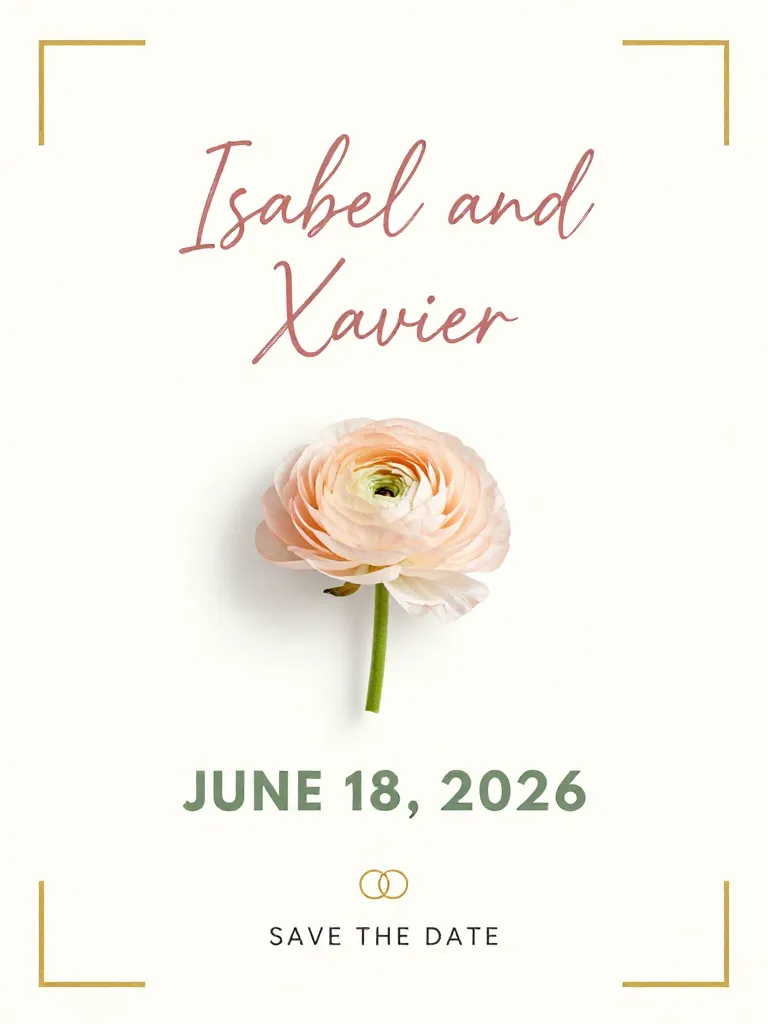
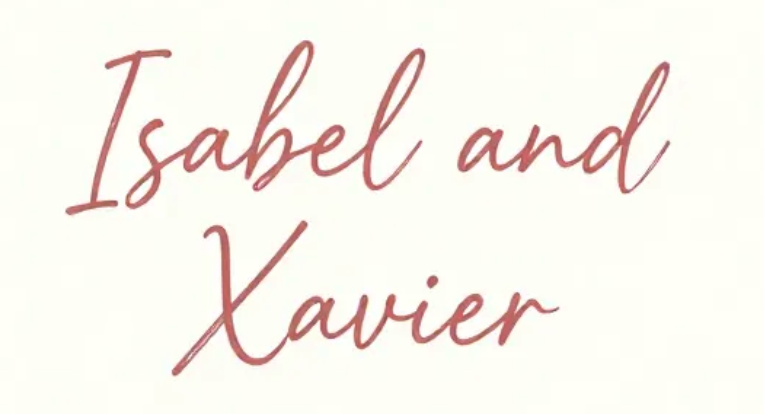
Vibe matching, not pixel matching
For my use case, matching the "vibe" matters more than pixel-perfect identification. The samples I need to match to aren't real rendered text. It's text generated by diffusion models. There's no ground truth font; the letterforms are approximate, a bit inconsistent, sometimes just subtly off. What I actually need is: give me a real font that captures the same feel.
The font database
Google Fonts has about 1,900 font families and over 7,500 variants once you count different weights, italics, and so on. After deduplicating near-identical variants, roughly 5,200 are visually distinct enough to be worth indexing.
To build the search database, I downloaded every font and rendered each variant as a pangram image (white background, black text, a few lines of sample copy). Then I ran every image through Gemini to get a 21-feature classification and a vibes description, and embedded each description into a 1,536-dimensional vector. One-time batch job.
“Radiating a sense of high-fashion sophistication and dramatic flair, the letterforms command attention through a sharp contrast between razor-thin hairlines and bold, vertical strokes. Every curve and angle evokes the polished elegance of a luxury editorial layout or a premium fragrance campaign...”
Repeated for all ~5,200 font variants
How it works
The image first goes through Google Vision API for OCR. This gives us per-character text content and bounding boxes (including rotation, so we can de-rotate crops before analysing them).
Then a vLLM (gemini-3-flash) looks at the image and groups characters into words and words into font groups (e.g. a heading and body text that use different typefaces). For each font group it produces:
- Structured classification: 21 features like serif/sans-serif, weight, stroke contrast, corner treatment, x-height, apertures, and so on.
- A free-form vibes description, something like “geometric, bold, modern, clean, tech startup, confident.”
Matching happens in two passes. First, the structured features get scored against every font in the database. Each of the 21 features has a weight reflecting how discriminating it is (serif vs sans-serif matters a lot; text-suitability barely matters). This narrows the field to the top 100 candidates.
Then the vibes description is projected into a text embedding space using OpenAI's text-embedding-3-small and compared against pre-computed embeddings for those 100 candidates using cosine similarity. The final ranking is a weighted blend: the normalised structural score counts for 40% and the embedding similarity for 60%, so two fonts can score differently on the feature checklist but still rank close if they feel similar.
Why not image embeddings?
Image embeddings are too sensitive to things that have nothing to do with the typeface: the text content, how many words there are, the background colour, the font size, the layout, arbitrary details of my font rendering script, etc.
By having an LLM describe the font's visual character first, you get a representation that's purely about how the typeface looks. An image of “Hello” and an image of a full paragraph in the same font will produce similar descriptions and therefore similar embeddings.
Try it out at whatfontisthat.com.
If you're interested in working with me on this, or know someone who might be, please reach out on LinkedIn or at xavier.orourke@gmail.com.